The schedule fills itself
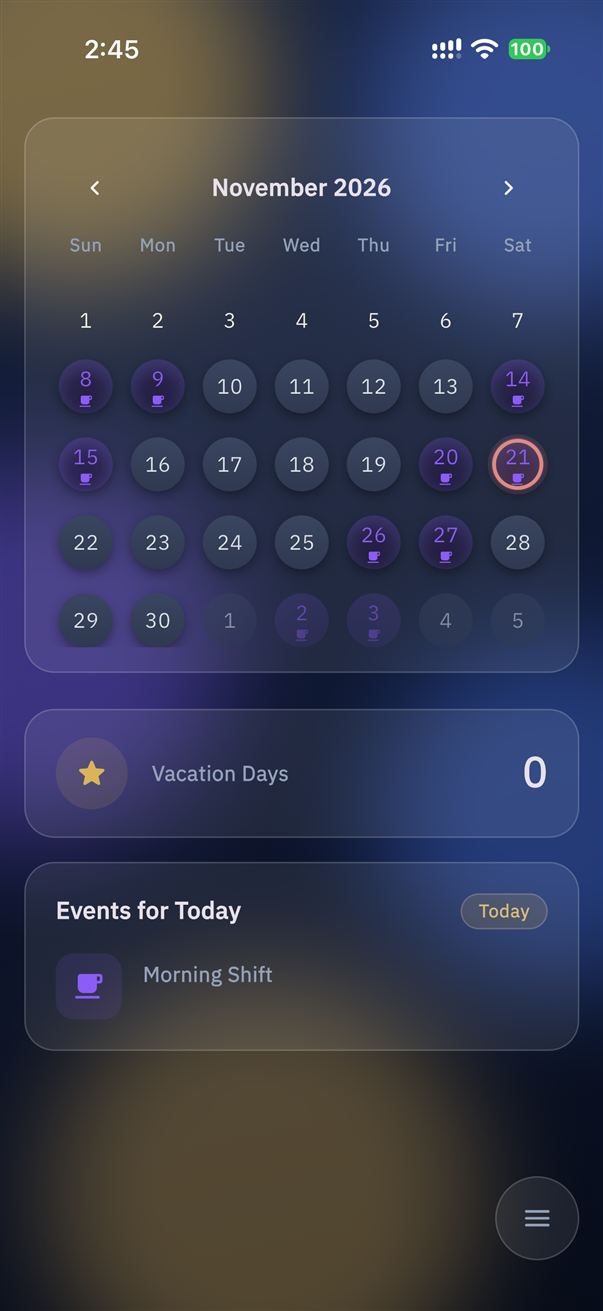
Set it once. The calendar does the rest.
Wardiyat
Your schedule, reminders, leave and team, in one app.
Available now on iPhone and Android, in Arabic and English


Set it once. The calendar does the rest.
Notes, on-call, overtime or leave, in one place.
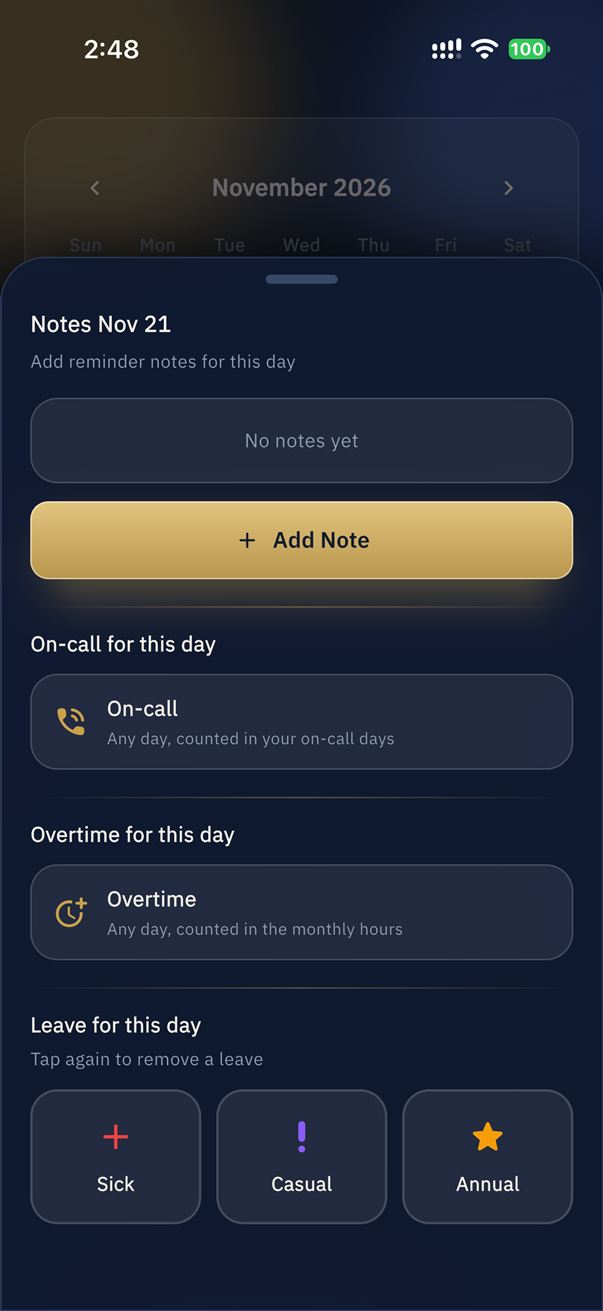
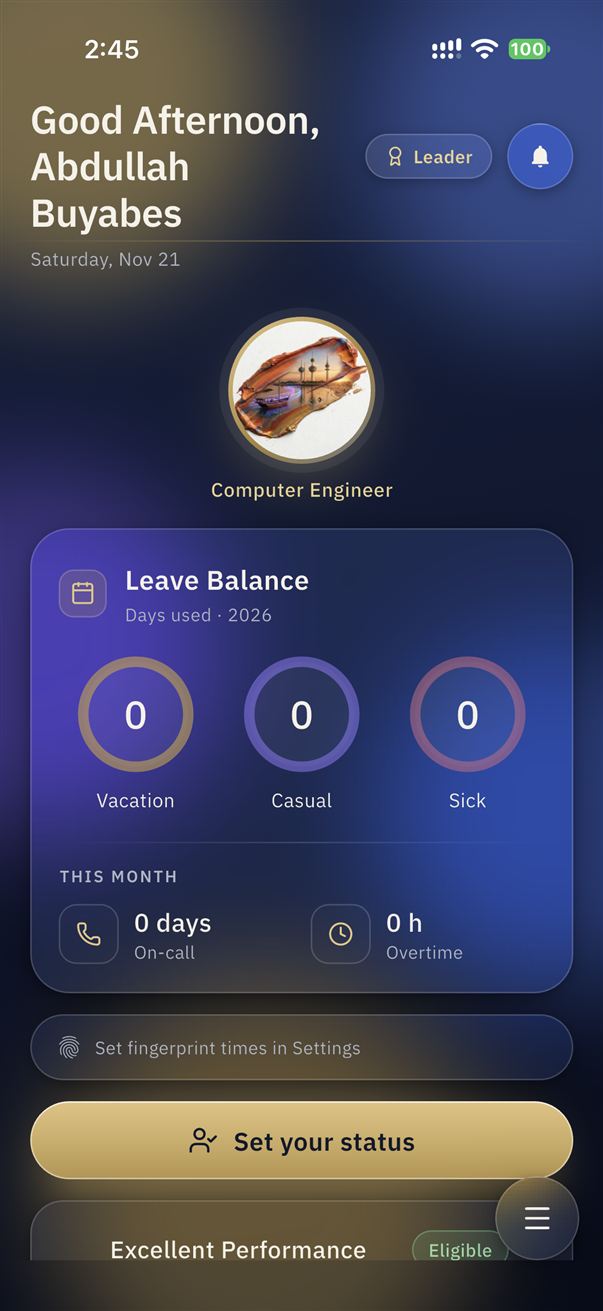
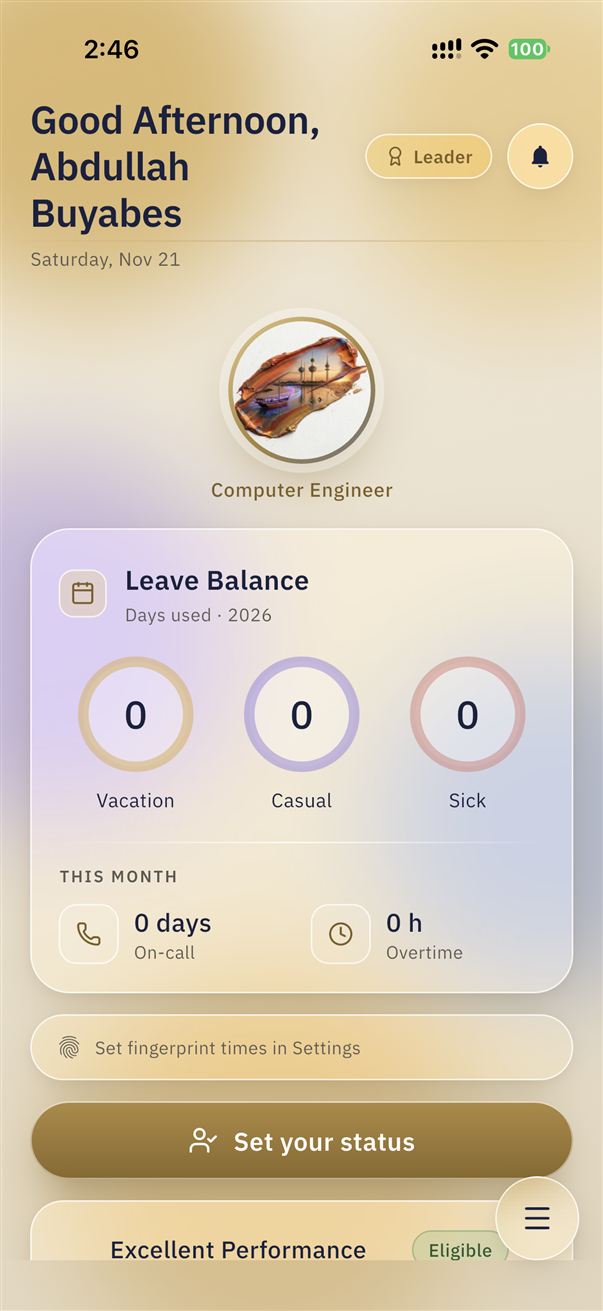
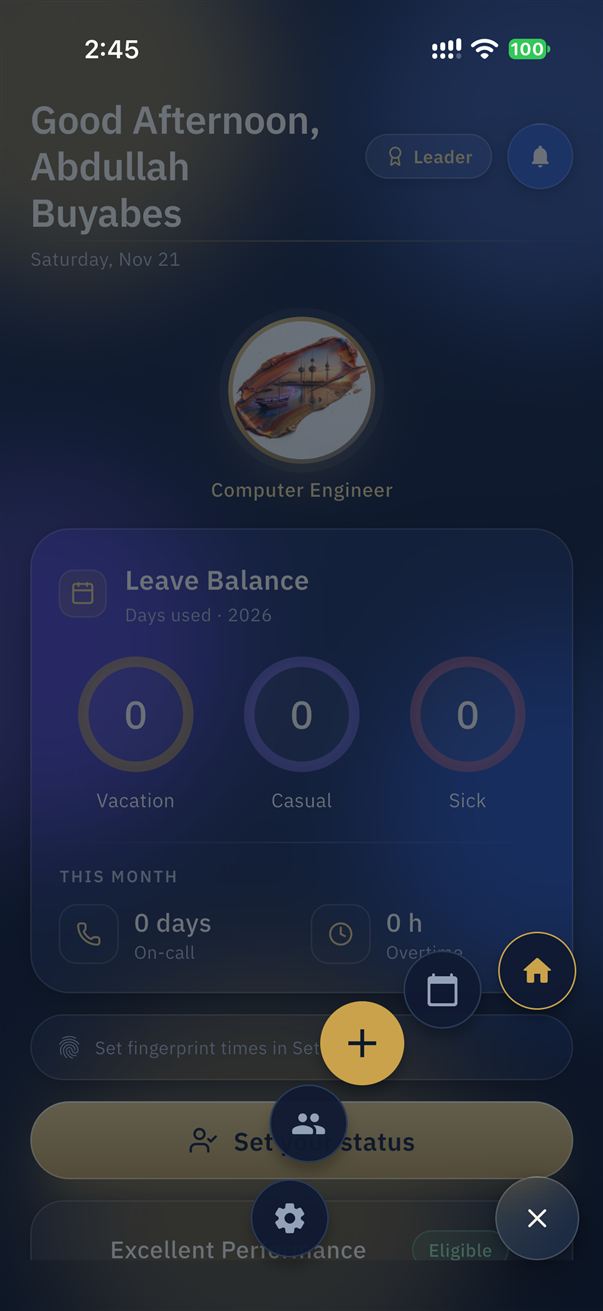
Annual, casual and sick, always in view.
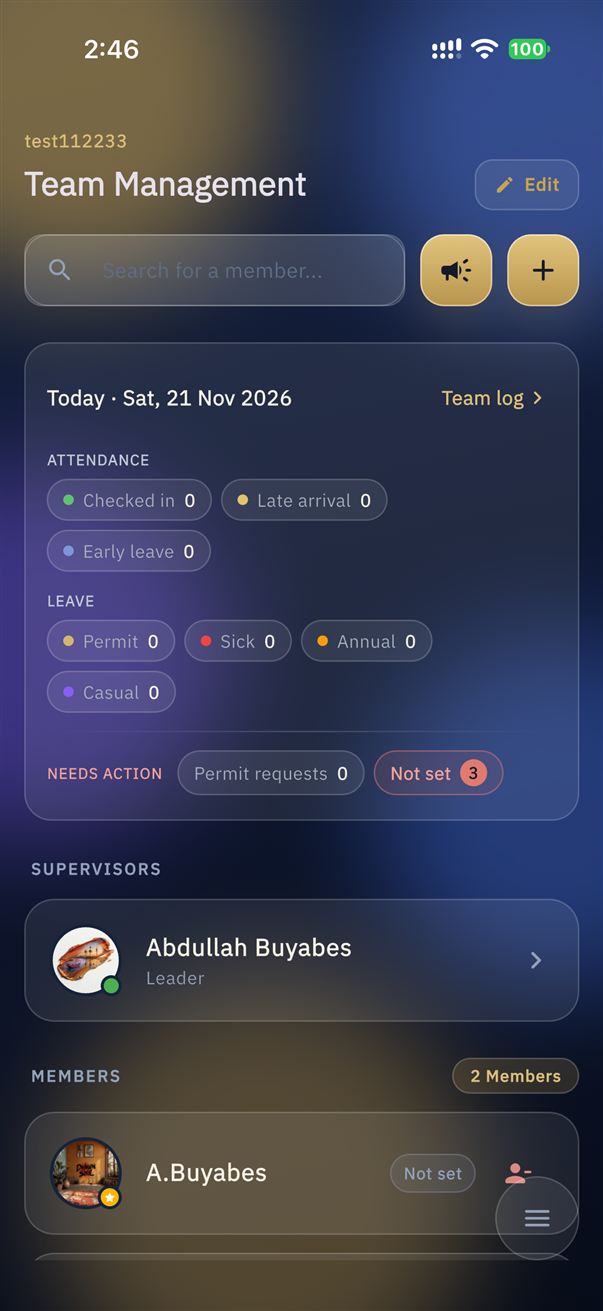
Who's in, who's late, who's on leave today.
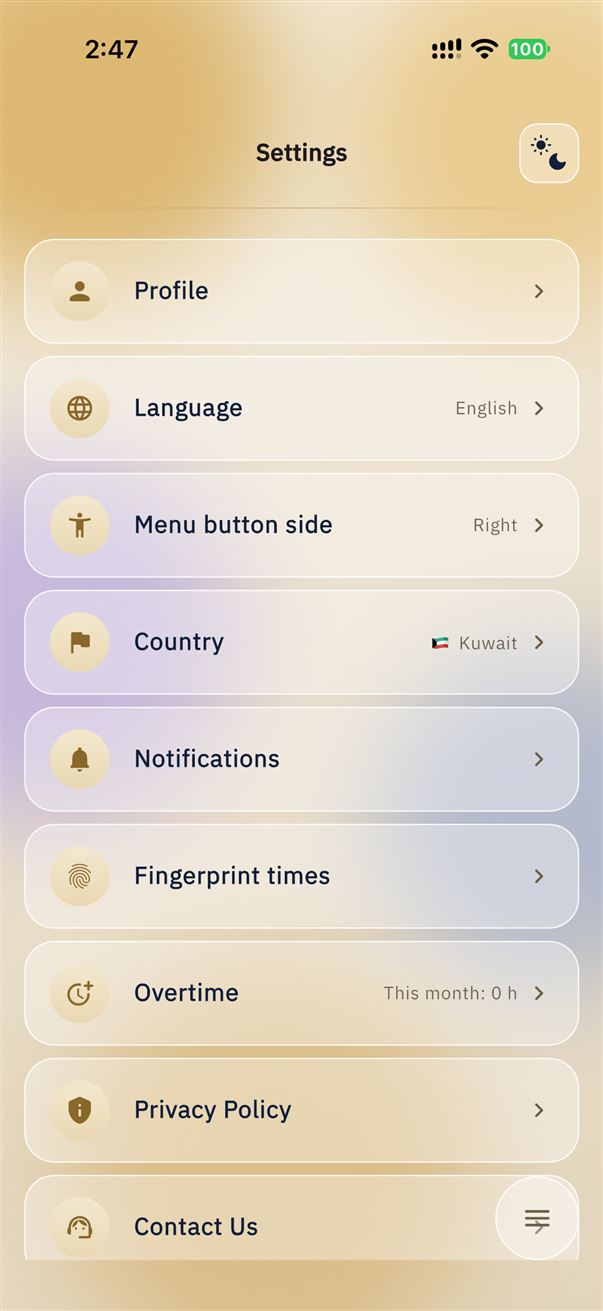
One button in the corner opens everything.
Swipe for more
Schedule
Reminders
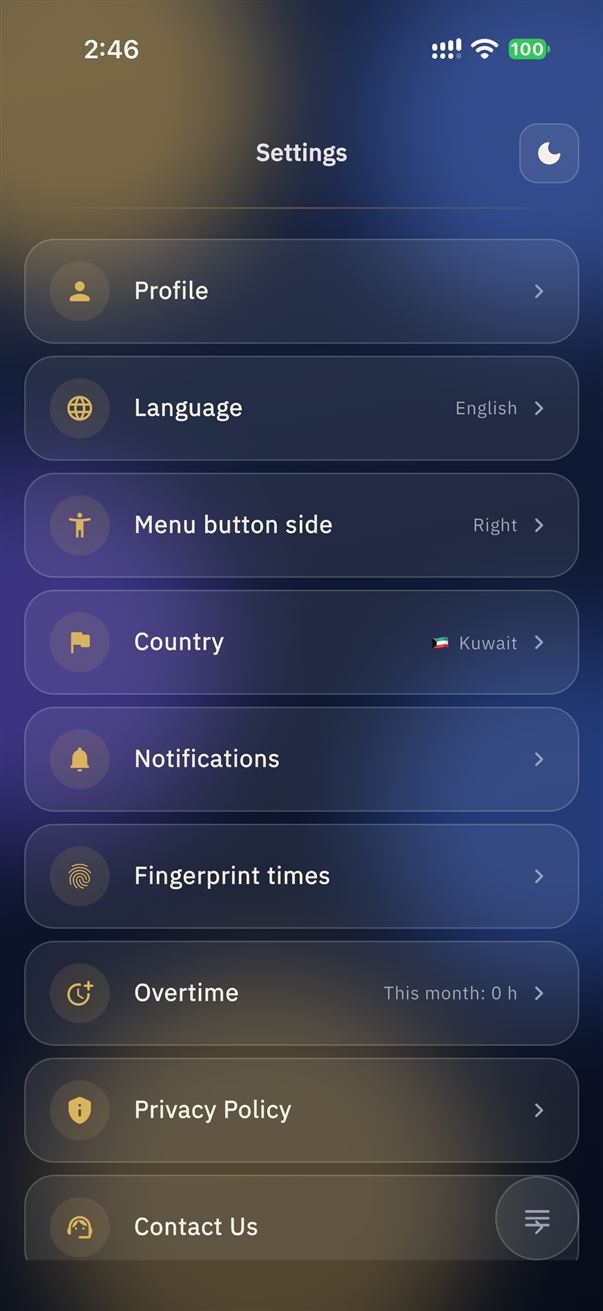
A reminder before each shift and before each fingerprint: check-in, presence and check-out. You choose how early.
Tip: if your check-out time is the same as the next day's check-in, leave check-out empty.
Leave
Optional, and shown on the home screen.
Overtime & on-call
Added to your monthly totals.
For teams
Create a group and see its day at a glance.
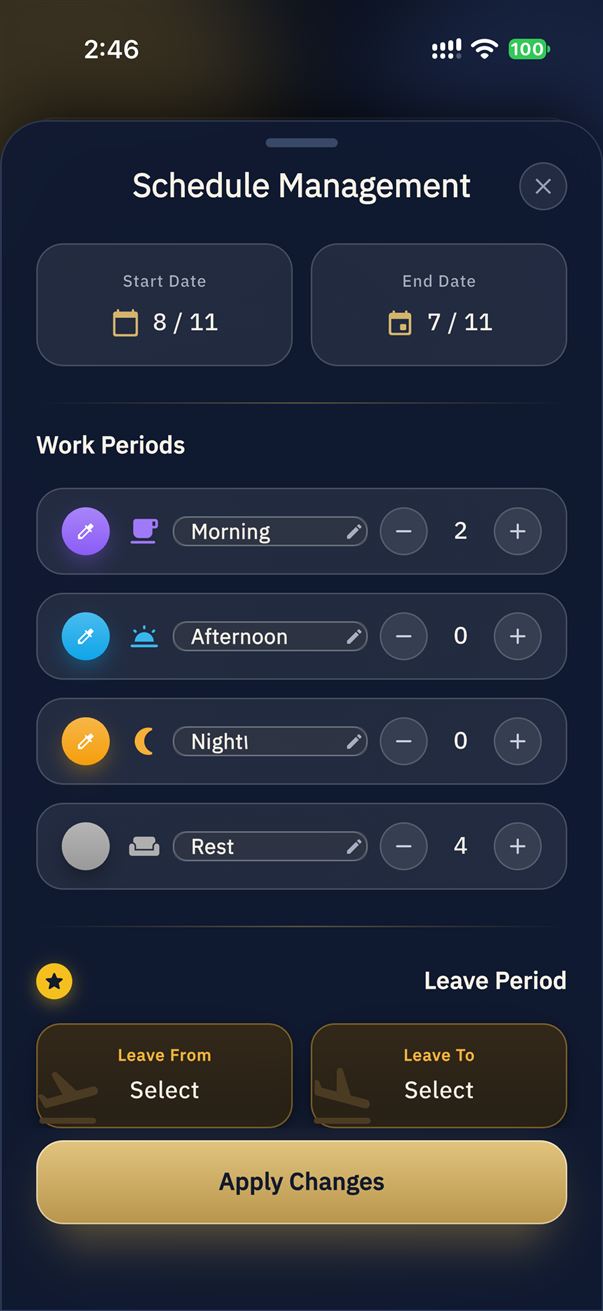
Tap + to open Schedule Management, set how many days each period lasts in your system, pick your first working day, then tap Apply. The calendar fills straight away.
Most likely. You set how many morning, afternoon, night and rest days you have and in what order, and you can rename the periods.
Leave check-out empty, and you'll get just the check-in reminder.
Create a group from the Team section and invite people by username or email. They get a notification to accept.
No. Leave tracking is optional.
From Settings in the app, or on the delete account page. Your data is deleted with it.