
Wardiyat
Delete your account and data
You can permanently delete your Wardiyat account and all of your data in two ways: from inside the app, or by email if you no longer have the app.
Last updated: 14 July 2026
From inside the app
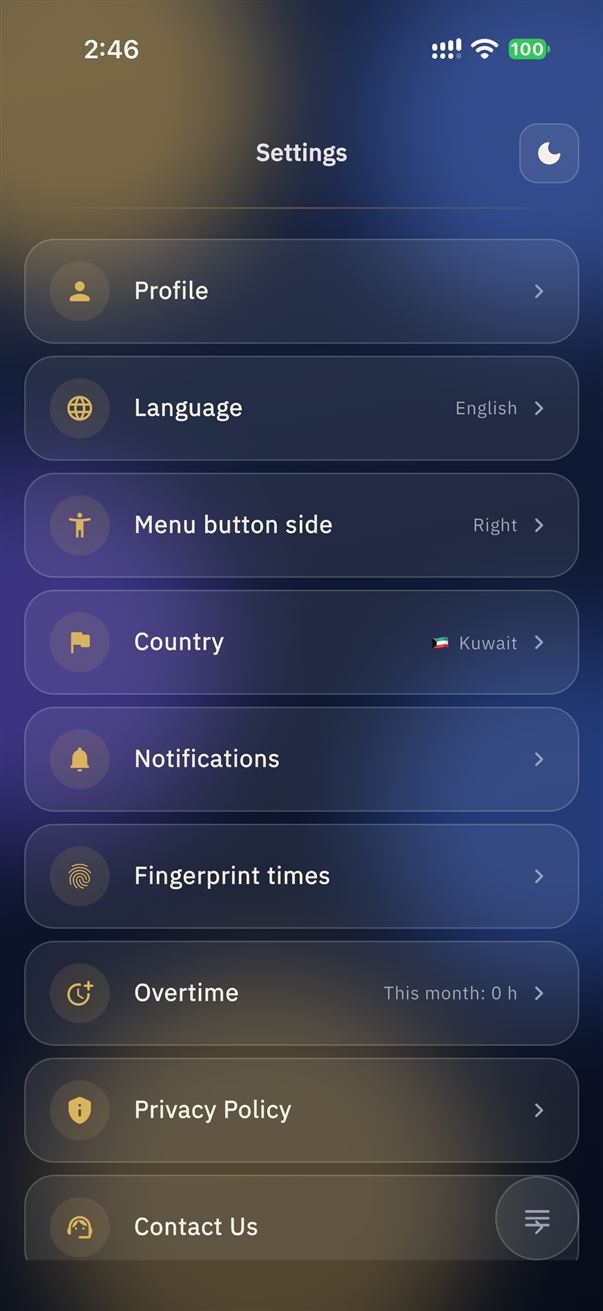
- Go to Settings → Profile → Delete account.
- Confirm the deletion.
- It happens immediately, with no further steps.
By email
If you've uninstalled the app or can't access it, send a request from the email address registered on your account to:
We verify ownership of the address, delete the account within 30 days, and email you a confirmation.
Send deletion requestWhat gets deleted
- Your account and sign-in credentials.
- Shift schedule, rotation cycle, and fingerprint times.
- Leave records and balances.
- Profile picture.
- Group memberships.
- Notifications and device tokens.
4What we keep
Nothing. We retain no copy of your data after deletion. Day notes are stored only on your device and are removed when you uninstall the app.
5If you lead a group
Deleting your account dissolves that group and removes its members from it, but it does not delete their accounts. Their personal data stays with them.
6Questions
For anything about deletion or privacy, email us at wardiyat.wso@gmail.com, or read the privacy policy.